Your Watch Is Probably Doing Less Than It Can
Most smartwatch owners settle into a narrow routine: glance at texts, check the time, track a workout, maybe dismiss a calendar alert during a meeting. That is useful, but it barely touches what modern watches can actually do. Apple Watch, Galaxy Watch, Pixel Watch, Garmin, Fitbit, and other wearables now hide powerful tools behind long presses, settings menus, companion apps, tiles, widgets, complications, and automation panels. Some features help your battery last longer. Some make health data easier to understand. Others can make travel smoother, workouts smarter, phone use quieter, and emergencies less confusing. The catch is that many of these settings are not promoted after setup. They sit quietly in menus until you go looking. Once you know where to look, a smartwatch starts feeling less like a tiny notification screen and more like a personal remote control for your day.
A: Some do, especially GPS, cellular, always-on displays, and continuous background tracking.
A: No. They can be useful prompts, but they are not replacements for medical care or clinical equipment.
A: Emergency contacts, watch-face shortcuts, wallet payments, and battery settings are strong early wins.
A: Yes. Many older models support shortcuts, timers, silent alarms, camera controls, and music controls.
A: Watch screens are small, setup flows are quick, and advanced tools often live in the phone app.
A: Usually no. A watch becomes more useful when only important alerts reach your wrist.
A: They can be, especially for fitness, navigation, notes, smart home control, and habit tracking.
A: Often yes after setup, though support depends on the watch, bank, payment app, and region.
A: Customizing the watch face with practical shortcuts can change daily use quickly.
A: After major software updates, new fitness goals, travel plans, or battery-life problems.
Start With The Watch Face, Not The App Store
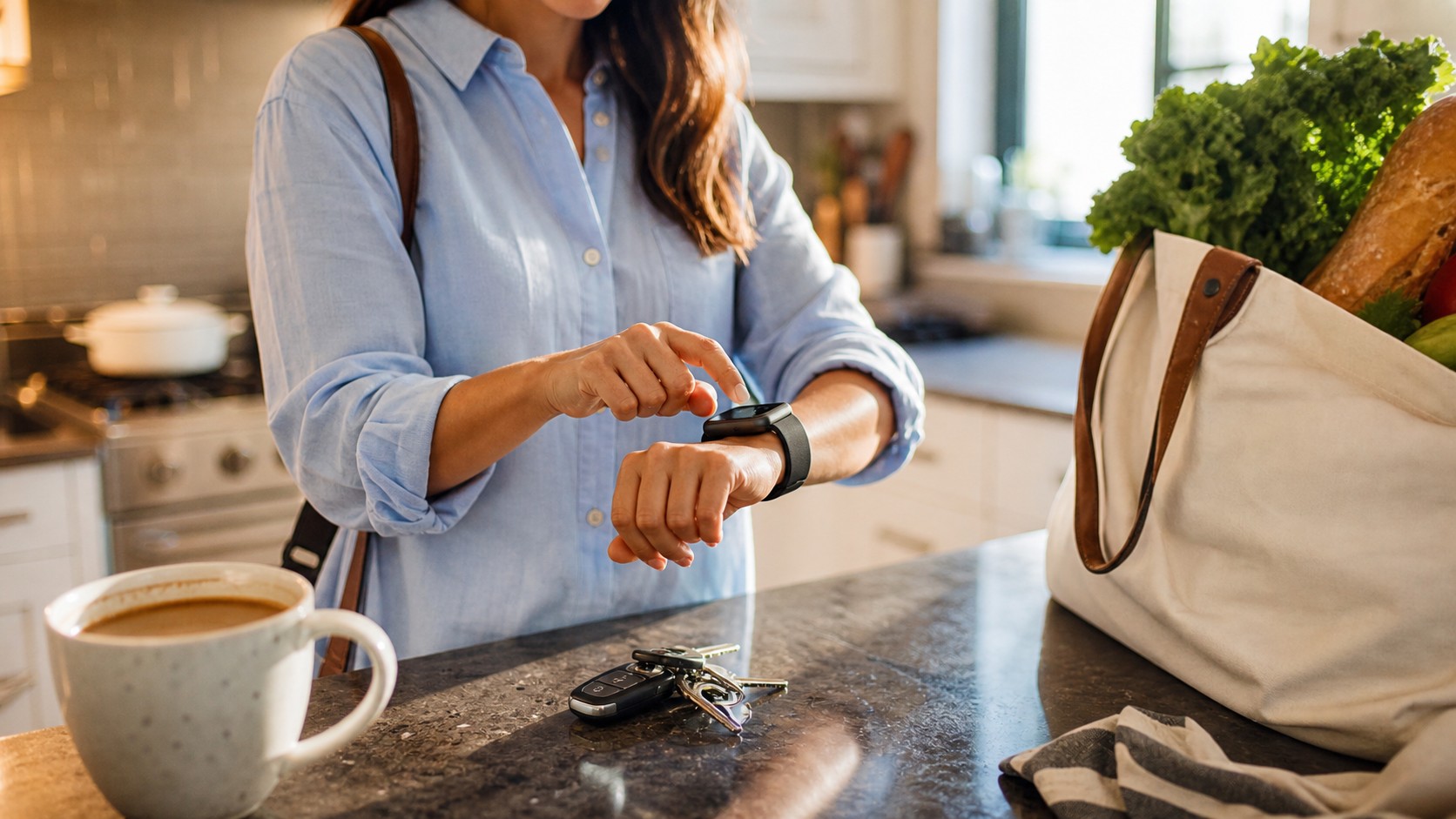
The most overlooked smartwatch feature is not flashy. It is the ability to turn the watch face into a tiny dashboard that matches your real life. Many people keep the default face for months, then wonder why the watch never feels essential. A better approach is to treat the face like a home screen. Put weather, calendar, heart rate, timers, workout start, payments, or reminders where your eyes naturally land.
Multiple faces can also solve different parts of the day. A work face might show meetings and quiet shortcuts. A workout face might show heart rate, music, and training status. A travel face might show local time, maps, wallet, and battery. Switching faces is usually faster than digging through apps, and it makes the watch feel purpose-built instead of generic.
Make Notifications Much More Selective
A smartwatch can reduce phone distraction, but only if you stop it from mirroring every buzz. The default setup often sends too much to the wrist: promotions, group chats, app updates, delivery notices, and low-priority emails. That turns the watch into a smaller version of the problem it was supposed to solve.
Open the companion app on your phone and prune aggressively. Keep calls, messages from important people, calendar alerts, ride-share updates, bank alerts, and delivery notices if they are genuinely useful. Mute social apps, shopping apps, games, and anything that makes you check your wrist without taking action. The goal is not fewer features. It is better signal.
Focus modes and do-not-disturb schedules are especially useful because they let the watch behave differently at work, at home, at the gym, and overnight. A calmer watch is easier to trust.
Use Health Tools As Patterns, Not Panic Buttons
Smartwatch health features have improved quickly, but their best everyday value is trend awareness. Resting heart rate, sleep consistency, workout load, blood oxygen trends where supported, skin temperature changes, and recovery-style scores can help you notice patterns over time. One odd reading is often less useful than a two-week shift.
Owners often miss the settings that make these tools more relevant. You may be able to set heart-rate alerts, adjust activity goals, choose preferred workout metrics, add medication reminders, or configure sleep schedules. Fitness-focused watches may also let you customize heart-rate zones, lap screens, auto-pause behavior, route settings, and recovery estimates.
Health alerts should be treated with perspective. They can encourage a helpful follow-up or make you more aware of your body, but they do not replace a clinician, and they can be affected by fit, movement, temperature, sensor position, and software interpretation.
Battery Life Is Often A Settings Problem
Many owners accept weak battery life as unavoidable, but small settings can make a large difference. Always-on displays, cellular radios, bright screens, frequent GPS use, animated watch faces, and background app refresh can all add up. A watch that barely lasts through dinner may only need a less demanding configuration.
Start with screen behavior. Lower brightness, shorten wake duration, and decide whether always-on display is worth the tradeoff. Next, check connectivity. If your LTE watch spends most of its day beside your phone, cellular does not need to be active all the time. Then review health and workout tracking settings. Some watches let you choose between more precise readings and longer endurance.
Turn The Watch Into A Remote Control
A smartwatch is excellent at quick control tasks because it is already on your wrist. Camera remotes are perfect for group photos, tripod shots, cooking videos, and family pictures where nobody wants to sprint back from the phone. Music controls are just as practical during workouts, driving, cleaning, or walking.
Smart home controls can be even better. Lights, thermostats, garage doors, plugs, and scenes can often be triggered from watch apps, tiles, complications, or voice assistants. The best setup keeps only a few high-value actions close: turn off the bedroom lights, start a morning scene, unlock a door, or adjust the thermostat.
Phone-finding tools deserve a permanent place in quick settings. The ability to ping a misplaced phone sounds small until the phone is wedged in a cushion right before leaving.
Safety Features Should Be Set Up Before You Need Them
Emergency features are easy to postpone because they are not part of the fun new-watch feeling. Still, they are among the most important tools on the device. Add emergency contacts, fill out medical information, and learn the SOS button sequence for your model. If your watch supports fall detection, crash detection, sirens, location sharing, or emergency calling, review how each feature works.
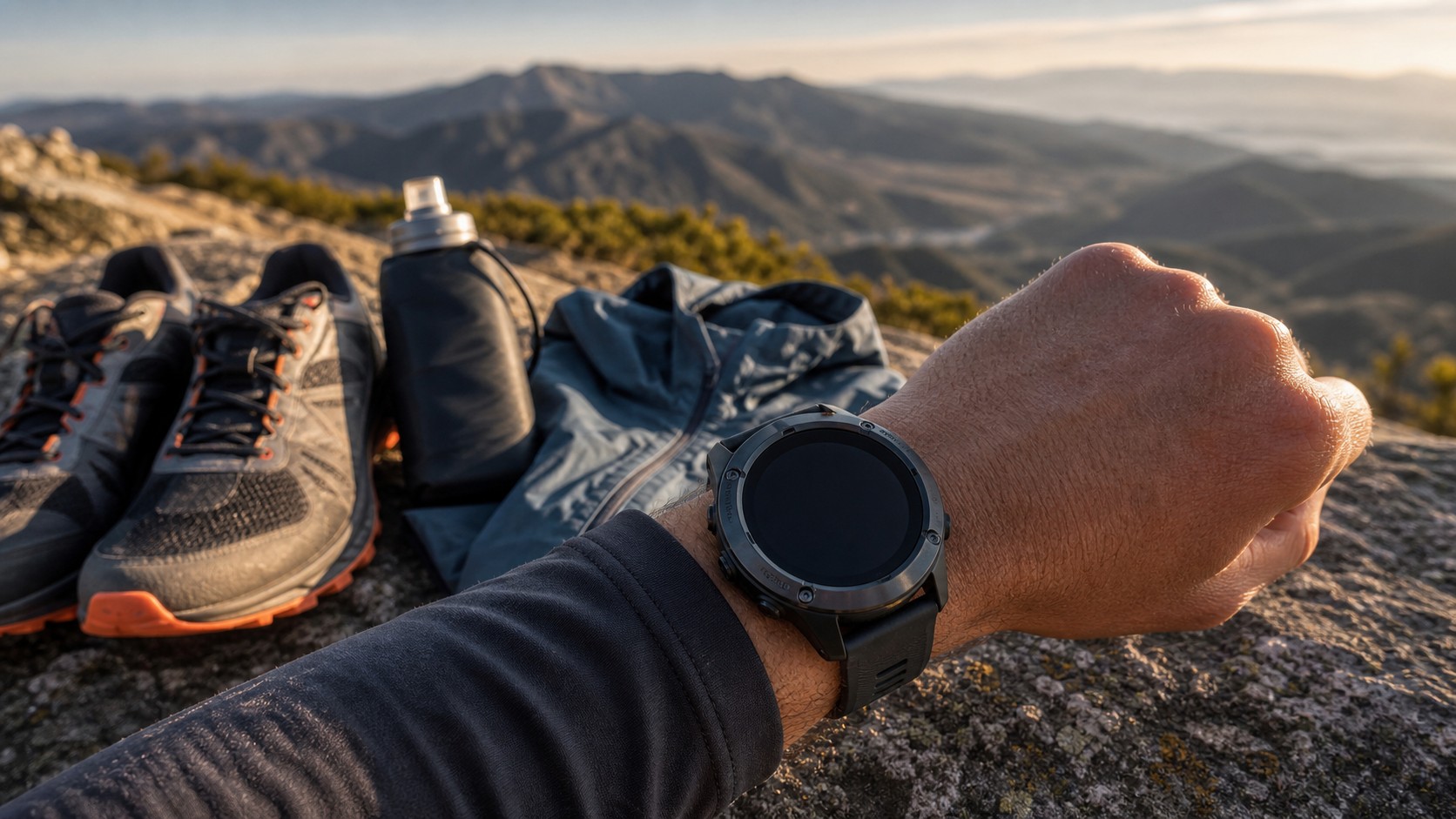
Travelers and outdoor users should look at maps, compass tools, route backtracking, offline navigation, and cellular behavior. Some watches can guide you back along a route, save locations, or keep basic navigation available when phone service is poor. These tools are much easier to trust after a quick test near home.
Privacy is part of safety too. Review which apps can access location, health data, microphone, contacts, and notifications. A smartwatch collects intimate data, so permissions deserve the same attention as battery and display settings.
Gestures And Accessibility Tools Can Change Everything
Accessibility settings are often designed for specific needs, but many are useful for everyone. Larger text, stronger haptics, reduced motion, voice feedback, button speed changes, and screen wake adjustments can make a watch easier to use in daily life. If you struggle to read notifications outdoors or miss subtle vibrations, these menus may solve the problem.
Gesture controls can be surprisingly powerful on supported models. A pinch, double tap, wrist movement, or assistive gesture may answer calls, dismiss alerts, scroll, start actions, or control timers. These features are especially helpful when carrying groceries, cooking, exercising, or wearing gloves.
Small Tweaks Make The Watch Feel Personal
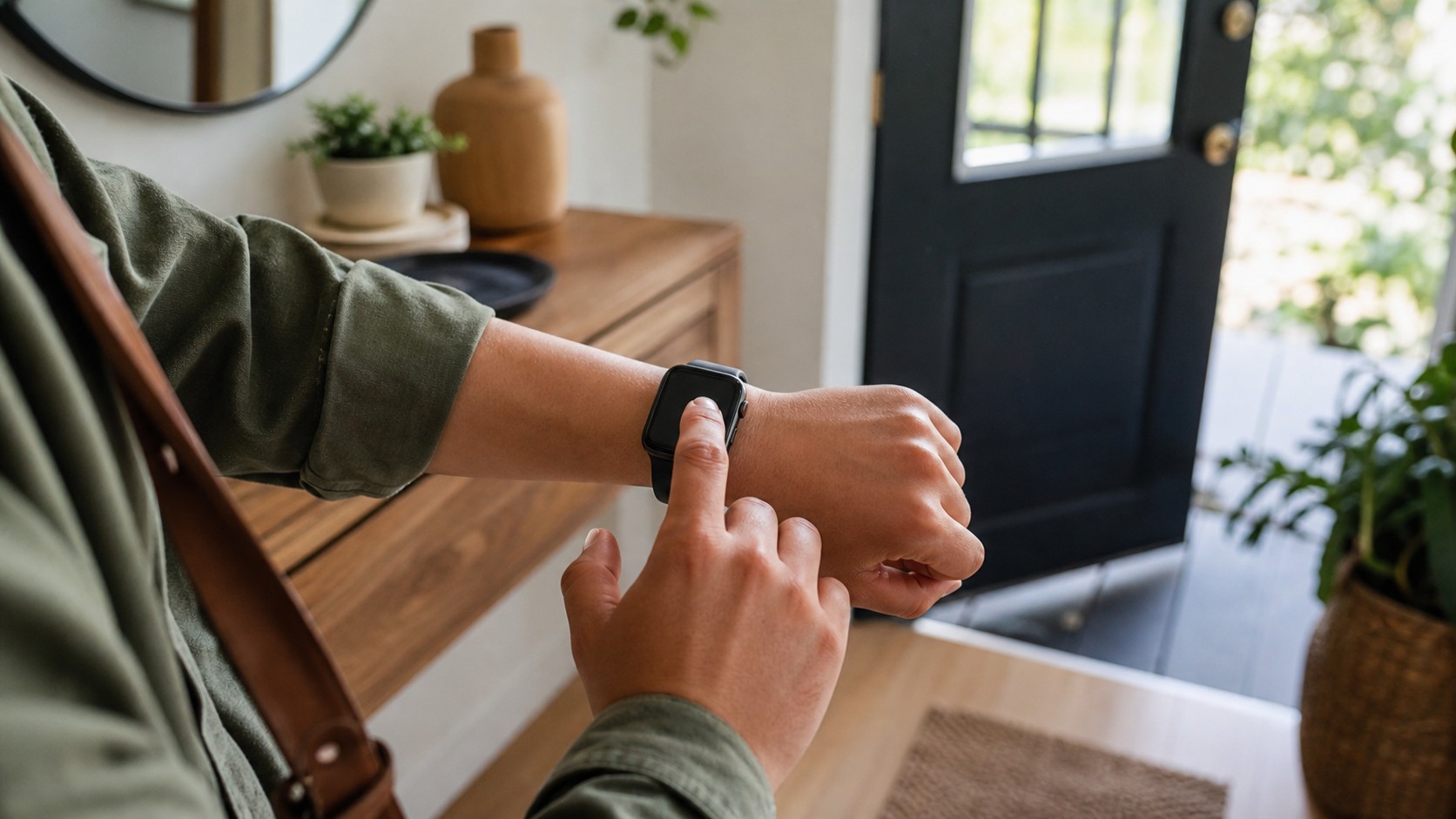
The best hidden features are not always dramatic. A silent alarm that wakes you without disturbing anyone else can be a daily quality-of-life upgrade. A timer shortcut can make cooking easier. A theater mode shortcut can save you from lighting up a dark room. A flashlight mode can help with a door lock or hallway at night.
These features work because they remove tiny frictions. The watch is at its best when it handles quick moments before they become phone moments. Instead of unlocking a screen, opening an app, and falling into a feed, you get the answer or action and move on.
Revisit Your Watch After Every Major Update
Smartwatch updates often add features quietly. A new gesture, training metric, sleep view, safety option, watch face, wallet feature, or battery mode may appear without changing how you use the device. Every few months, open the watch app on your phone and scan the settings again. Look at notifications, health, display, battery, buttons, gestures, safety, wallet, and privacy.
That quick review can make an older watch feel new again. More importantly, it helps the device match your life as it changes. New job, new workout plan, new commute, new sleep schedule, new phone, or new health goal all deserve a slightly different setup.
A smartwatch does not become useful simply because it has more sensors or a brighter screen. It becomes useful when the right features are placed close enough to use without thinking. Most owners already have the hardware. The hidden upgrade is learning which quiet settings deserve a spot on your wrist.
Third-Party Apps Are Best In Small Numbers
The smartwatch app store can be useful, but stuffing the watch with phone-style apps usually leads to clutter. Watches are not great for browsing, long reading, or complex forms. They shine when an app delivers one fast action or one glanceable piece of information. A navigation app that gives a turn prompt, a habit app that records a quick check-in, or a smart home app that runs one scene can be more valuable than a dozen miniature apps you never open.
Good candidates include transit, workouts, golf, running plans, interval timers, notes, smart home controls, weather radar, and audio apps. If an app takes more than a few taps to be useful, it may be better on the phone. After installing apps, reorder the launcher or dock so the important ones are reachable. Delete anything you do not use after a week. A lean smartwatch feels faster, cleaner, and more intentional.
Use The Phone App As The Control Room
Many hidden features are not hidden on the watch at all. They are buried in the companion app on your phone. That is where you usually find notification permissions, health-sharing settings, wallet setup, emergency contacts, preferred workout views, app order, watch-face galleries, and privacy controls. Spending ten focused minutes there can improve the watch more than downloading anything new.
Make a habit of opening the companion app after major updates. Software changes often add options quietly, and manufacturers rarely explain every useful setting during the update flow. Check display, battery, sounds, haptics, health, safety, wallet, gestures, and app permissions. The best setup is rarely the default setup. It is the one that removes tiny daily frictions without adding new ones.
Keep The Setup Practical Enough To Maintain
The easiest way to ruin hidden features is to turn the watch into a project. Pick a few settings that solve problems you actually have, then leave the rest alone until a new need appears. If you forget timers, put timers close. If you miss calls, tune haptics. If battery life annoys you, simplify the display and background activity. If workouts feel messy, customize only the workout screens you use. A smartwatch becomes personal through restraint as much as discovery.
That practical attitude also keeps the device from becoming another source of pressure. Wearables can collect a lot of data, but the goal is not to monitor every breath of your day. The goal is to remove friction, protect attention, support health, and make quick actions easier. Hidden features are worth discovering when they make the watch disappear into your routine, not when they make you fuss with it more.
One Setting Session Is Usually Enough
You do not need to master every menu in one sitting. Choose the watch face, alerts, battery controls, emergency details, and one daily shortcut first. That small setup pass is often enough to make the watch feel dramatically more capable by tomorrow morning.