The Right Smart Assistant Starts With the Household
Choosing the right smart assistant for your home is less about picking the most famous voice and more about matching the people, rooms, devices, and routines already in place. A kitchen may need timers, recipes, music, and family reminders. A living room may need TV control and group audio. A bedroom may need alarms with stronger privacy boundaries. An Apple-heavy home, an Android-heavy home, and an Amazon-heavy home can all arrive at different answers. The smartest choice is the assistant that makes everyday tasks easier while keeping setup, privacy, subscriptions, and backup controls understandable.
A: Choose the ecosystem that already matches your phones, services, and smart devices before comparing individual speakers.
A: It helps in kitchens, entry areas, and camera-heavy homes, but many rooms only need a simple speaker or no assistant at all.
A: Matter helps with basic compatibility, but advanced features still depend on the assistant platform and device maker.
A: Only if privacy settings, microphone controls, alarms, and household comfort all make sense.
A: You can, but too many overlapping systems can confuse routines, names, and family expectations.
A: The one with clear profiles, parental controls, simple shared routines, and backup controls for non-voice users.
A: Subscription cost, camera permissions, voice history, and whether guests can control essential devices.
A: Replace them only when newer features solve a real problem, such as better microphones, displays, or local control.
A: Clear room names, grouped devices, simple scenes, and a small number of high-value routines.
A: Start with one busy room, prove the assistant helps there, then expand gradually.
Begin With Rooms, Not Brands
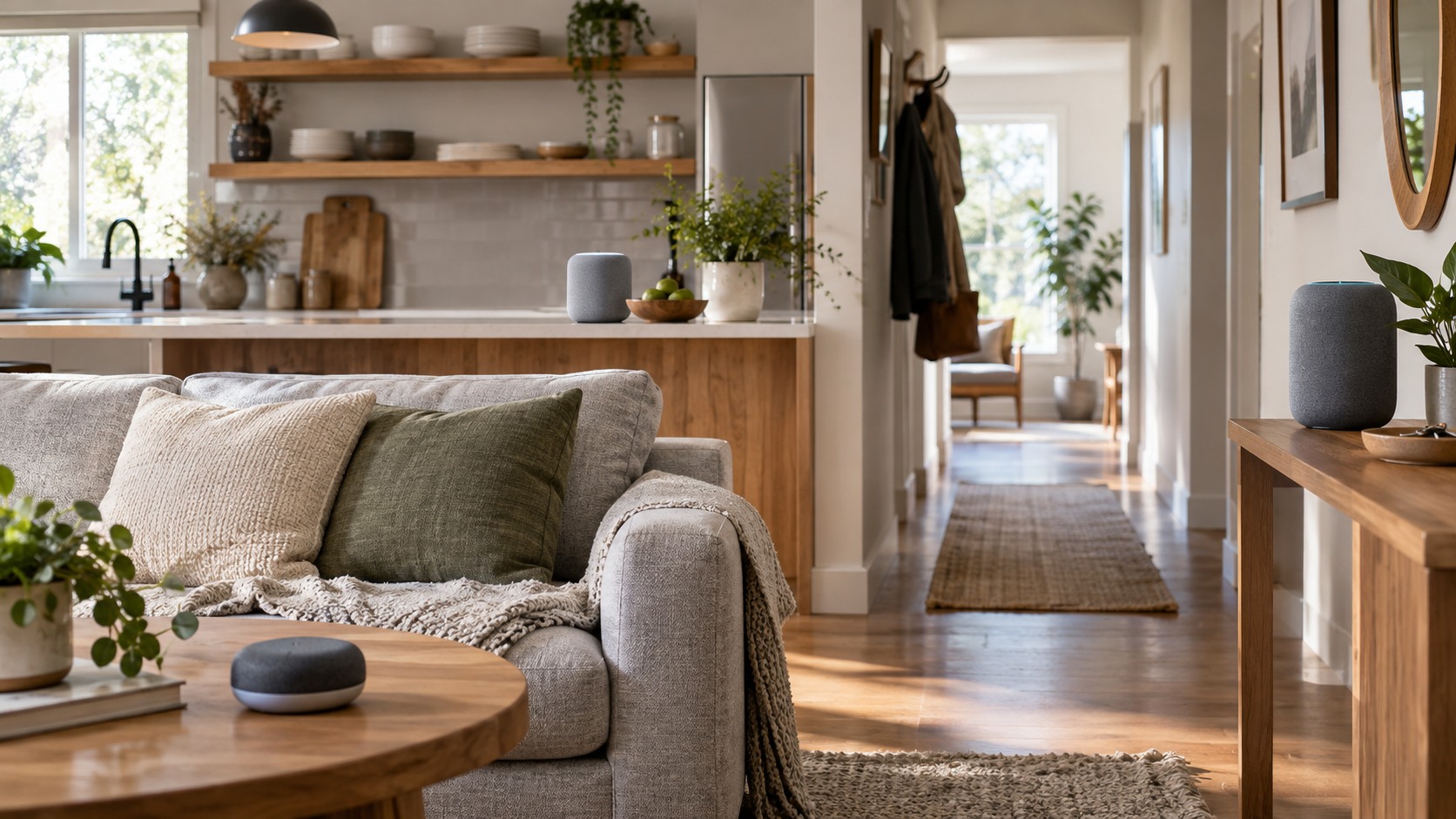
Smart assistant decisions become easier when the home is treated as a set of rooms with different jobs. A kitchen assistant may need timers, recipes, music, and family reminders. A living room device may need TV control, group audio, and quick smart-light scenes. A bedroom device may need quieter alarms and stricter privacy. The best choice is rarely the assistant with the longest feature list; it is the one that fits room fit without creating daily friction. A household with children, guests, or shared devices should also think about who is allowed to change routines, view cameras, buy items, or access personal calendars. Those permission details matter more than they seem during setup because smart assistants sit at the intersection of convenience and private household information.
Compatibility still matters, but it should serve the routine rather than dominate the decision. Matter and Thread can improve basic device control, yet advanced camera tools, music services, intercom features, shopping integrations, and family profiles still vary by platform. Buyers should check what works with existing phones, lights, thermostats, cameras, and speakers before changing ecosystems. A smart assistant should connect the home, not restart it from scratch.
Households also need to plan for people who do not love voice commands. Guests may not know device names. Children may trigger routines accidentally. Older adults may prefer buttons or touch controls. A good setup pairs voice with app controls, wall switches, scenes, and clear device names. That mix lets privacy boundaries feel helpful without making every person learn the system designer’s habits.
The subscription layer deserves a sober look. Advanced AI conversation, video history, camera summaries, music plans, and cloud storage can make a device more capable, but they also change the real price. The smartest purchase accounts for monthly costs, not just the device on sale. If a feature is not useful enough to pay for later, it should not drive the buying decision today.
Voice Control Needs a Backup
Smart assistant decisions become easier when the home is treated as a set of rooms with different jobs. A kitchen assistant may need timers, recipes, music, and family reminders. A living room device may need TV control, group audio, and quick smart-light scenes. A bedroom device may need quieter alarms and stricter privacy. The best choice is rarely the assistant with the longest feature list; it is the one that fits voice control without creating daily friction.
Compatibility still matters, but it should serve the routine rather than dominate the decision. Matter and Thread can improve basic device control, yet advanced camera tools, music services, intercom features, shopping integrations, and family profiles still vary by platform. Buyers should check what works with existing phones, lights, thermostats, cameras, and speakers before changing ecosystems. A smart assistant should connect the home, not restart it from scratch.
Households also need to plan for people who do not love voice commands. Guests may not know device names. Children may trigger routines accidentally. Older adults may prefer buttons or touch controls. A good setup pairs voice with app controls, wall switches, scenes, and clear device names. That mix lets subscription value feel helpful without making every person learn the system designer’s habits.
Privacy Changes by Location
Smart assistant decisions become easier when the home is treated as a set of rooms with different jobs. A kitchen assistant may need timers, recipes, music, and family reminders. A living room device may need TV control, group audio, and quick smart-light scenes. A bedroom device may need quieter alarms and stricter privacy. The best choice is rarely the assistant with the longest feature list; it is the one that fits privacy boundaries without creating daily friction.
Compatibility still matters, but it should serve the routine rather than dominate the decision. Matter and Thread can improve basic device control, yet advanced camera tools, music services, intercom features, shopping integrations, and family profiles still vary by platform. Buyers should check what works with existing phones, lights, thermostats, cameras, and speakers before changing ecosystems. A smart assistant should connect the home, not restart it from scratch.
Households also need to plan for people who do not love voice commands. Guests may not know device names. Children may trigger routines accidentally. Older adults may prefer buttons or touch controls. A good setup pairs voice with app controls, wall switches, scenes, and clear device names. That mix lets routine design feel helpful without making every person learn the system designer’s habits.
The subscription layer deserves a sober look. Advanced AI conversation, video history, camera summaries, music plans, and cloud storage can make a device more capable, but they also change the real price. The smartest purchase accounts for monthly costs, not just the device on sale. If a feature is not useful enough to pay for later, it should not drive the buying decision today.
The final test is a week of normal use. Try morning routines, dinner prep, quiet evenings, visitors, noisy appliances, and moments when the internet is slow. If room fit still works without constant correction, the setup is probably on the right track. If every command needs repeating or every automation needs editing, the system is too fragile.
Audio and Display Choices Should Match the Job
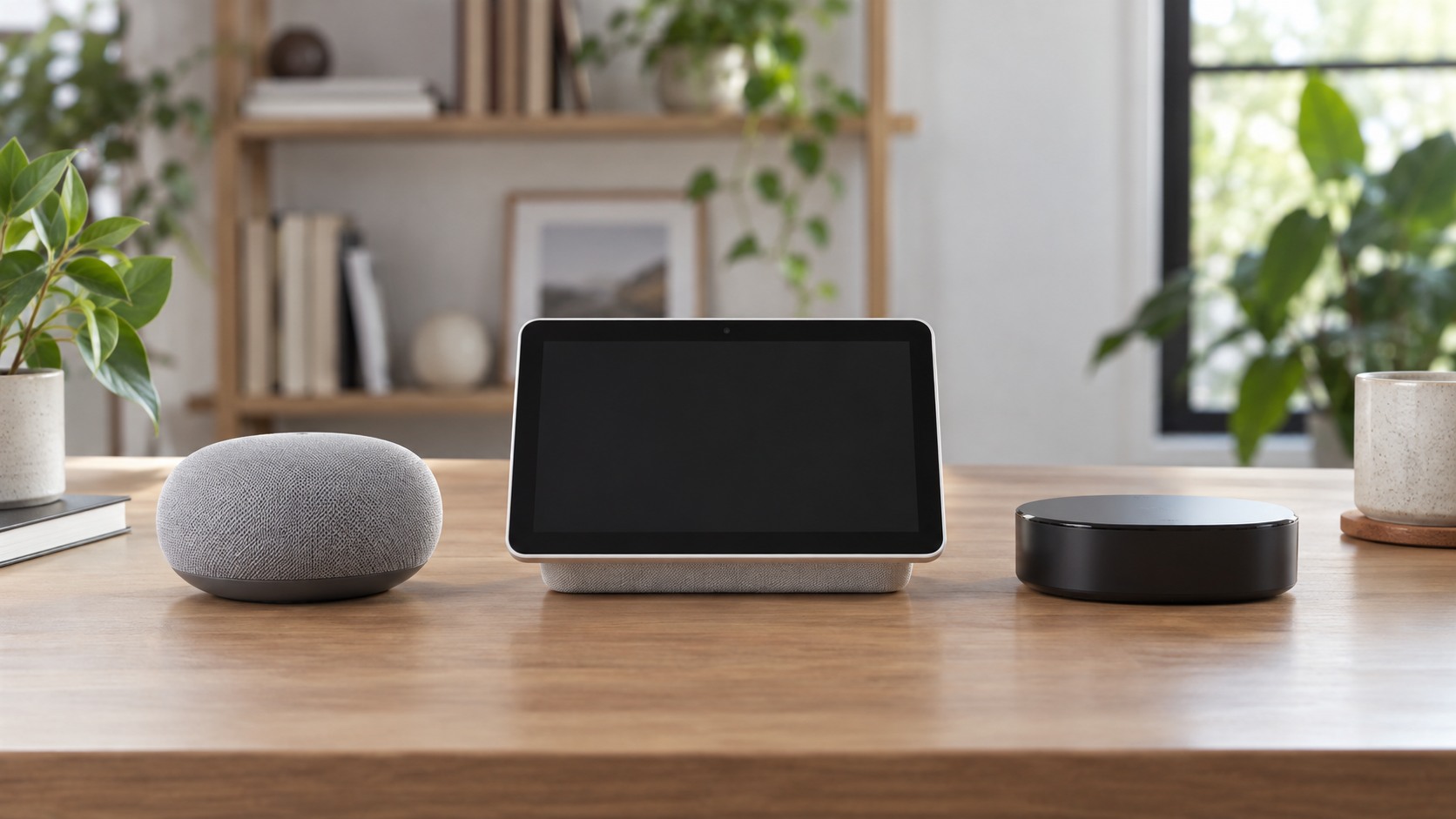
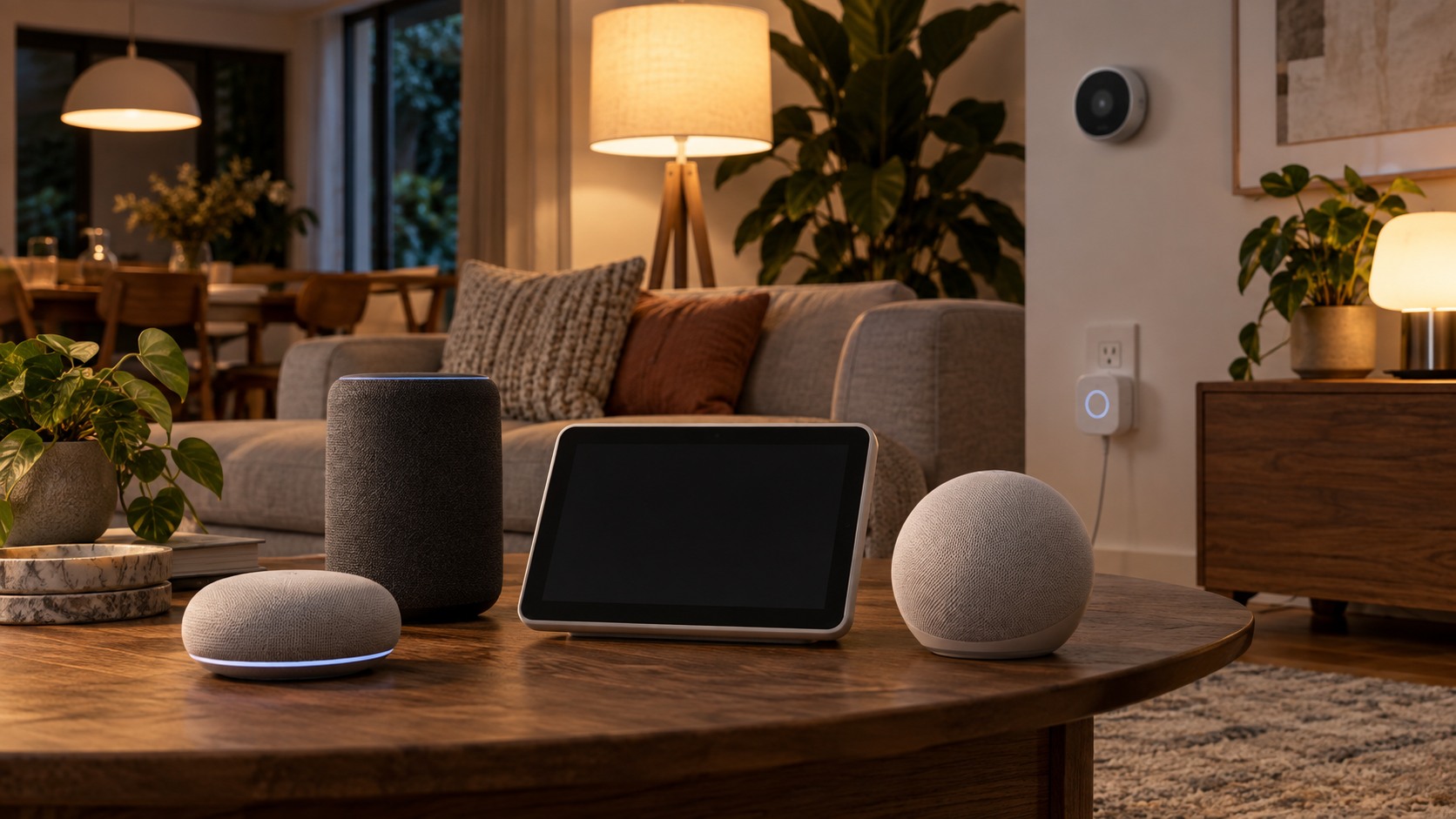
Smart assistant decisions become easier when the home is treated as a set of rooms with different jobs. A kitchen assistant may need timers, recipes, music, and family reminders. A living room device may need TV control, group audio, and quick smart-light scenes. A bedroom device may need quieter alarms and stricter privacy. The best choice is rarely the assistant with the longest feature list; it is the one that fits subscription value without creating daily friction. Displays are especially useful when the assistant needs to show camera views, shopping lists, recipes, or touch controls for people who dislike voice commands. Speakers are better when the room only needs music, timers, and simple commands. Choosing the right form keeps the assistant from becoming either too limited or too intrusive.
Compatibility still matters, but it should serve the routine rather than dominate the decision. Matter and Thread can improve basic device control, yet advanced camera tools, music services, intercom features, shopping integrations, and family profiles still vary by platform. Buyers should check what works with existing phones, lights, thermostats, cameras, and speakers before changing ecosystems. A smart assistant should connect the home, not restart it from scratch.
Households also need to plan for people who do not love voice commands. Guests may not know device names. Children may trigger routines accidentally. Older adults may prefer buttons or touch controls. A good setup pairs voice with app controls, wall switches, scenes, and clear device names. That mix lets family access feel helpful without making every person learn the system designer’s habits.
The subscription layer deserves a sober look. Advanced AI conversation, video history, camera summaries, music plans, and cloud storage can make a device more capable, but they also change the real price. The smartest purchase accounts for monthly costs, not just the device on sale. If a feature is not useful enough to pay for later, it should not drive the buying decision today.
Routines Work Best When They Stay Simple
Smart assistant decisions become easier when the home is treated as a set of rooms with different jobs. A kitchen assistant may need timers, recipes, music, and family reminders. A living room device may need TV control, group audio, and quick smart-light scenes. A bedroom device may need quieter alarms and stricter privacy. The best choice is rarely the assistant with the longest feature list; it is the one that fits routine design without creating daily friction.
Compatibility still matters, but it should serve the routine rather than dominate the decision. Matter and Thread can improve basic device control, yet advanced camera tools, music services, intercom features, shopping integrations, and family profiles still vary by platform. Buyers should check what works with existing phones, lights, thermostats, cameras, and speakers before changing ecosystems. A smart assistant should connect the home, not restart it from scratch.
Households also need to plan for people who do not love voice commands. Guests may not know device names. Children may trigger routines accidentally. Older adults may prefer buttons or touch controls. A good setup pairs voice with app controls, wall switches, scenes, and clear device names. That mix lets room fit feel helpful without making every person learn the system designer’s habits.
A Good Setup Survives Ordinary Household Chaos
Smart assistant decisions become easier when the home is treated as a set of rooms with different jobs. A kitchen assistant may need timers, recipes, music, and family reminders. A living room device may need TV control, group audio, and quick smart-light scenes. A bedroom device may need quieter alarms and stricter privacy. The best choice is rarely the assistant with the longest feature list; it is the one that fits family access without creating daily friction.
Compatibility still matters, but it should serve the routine rather than dominate the decision. Matter and Thread can improve basic device control, yet advanced camera tools, music services, intercom features, shopping integrations, and family profiles still vary by platform. Buyers should check what works with existing phones, lights, thermostats, cameras, and speakers before changing ecosystems. A smart assistant should connect the home, not restart it from scratch.
Households also need to plan for people who do not love voice commands. Guests may not know device names. Children may trigger routines accidentally. Older adults may prefer buttons or touch controls. A good setup pairs voice with app controls, wall switches, scenes, and clear device names. That mix lets voice control feel helpful without making every person learn the system designer’s habits.
The subscription layer deserves a sober look. Advanced AI conversation, video history, camera summaries, music plans, and cloud storage can make a device more capable, but they also change the real price. The smartest purchase accounts for monthly costs, not just the device on sale. If a feature is not useful enough to pay for later, it should not drive the buying decision today. The right assistant should also be easy to explain to someone else. If a guest, babysitter, grandparent, or housemate cannot turn on a light, pause music, or stop an alarm without a tutorial, the setup is too clever for daily life.