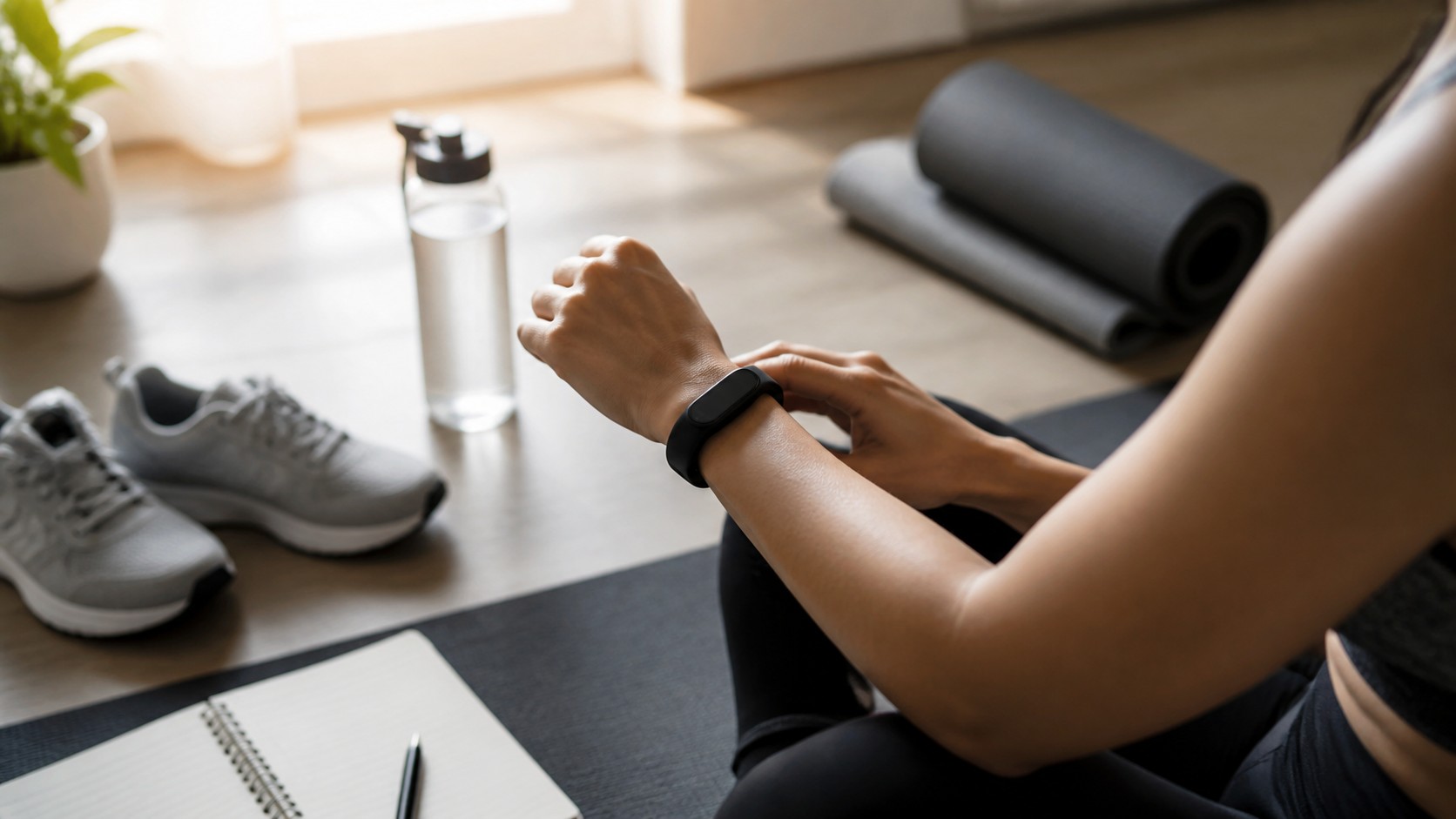
Small Settings Can Make Your Fitness Band Feel New Again
Most people buy a fitness band for the basics: steps, heart rate, calories, sleep, and maybe a workout timer. Then the device quietly keeps a whole second life tucked inside its app menus. Those hidden features are not just novelty buttons for people who enjoy tweaking gadgets. They can make the band less annoying, more personal, and far better at helping you notice patterns in your normal day. A few small changes can turn a tracker from a passive wrist counter into a daily assistant for pacing workouts, protecting sleep, catching missed movement, managing stress, and keeping phone interruptions under control. The best part is that many of these features are already sitting on your wrist, waiting for a ten-minute setup session and a little curiosity.
A: Some do, especially always-on display, GPS, and continuous oxygen tracking.
A: No. Treat them as pattern clues, not a diagnosis.
A: Start with the features that match your routine.
A: Bands estimate sleep from movement, heart rate, and other signals.
A: They can help, but rep counts and exercise labels may need editing.
A: It is helpful for walks and runs, less perfect for mixed activities.
A: Yes, if your band supports gentle wake windows.
A: Yes. Choose only the apps that deserve your wrist.
A: Only when you trust the app and need the connection.
A: Revisit them every few months or after major app updates.
Use Health Trends Instead Of Single-Day Numbers
The most useful fitness band data is often hidden behind charts that people rarely open. A single heart rate reading may not tell you much, but your resting heart rate over several weeks can show whether your body is settling into a healthier rhythm, dealing with poor sleep, or responding to heavier training. Many bands also track breathing rate, oxygen variation, skin temperature changes, and stress patterns while you sleep. These are not medical verdicts, but they can help you recognize when your body is behaving differently from its usual baseline.
Look for trend views inside the companion app rather than judging yourself by one unusual day. If your resting heart rate rises after a late night, travel day, hard workout, or stressful week, the useful insight is the pattern around it. Wearables are strongest when they make small changes visible. Instead of chasing perfect numbers, use the hidden trend screens to ask whether your habits are helping you feel steady, rested, and ready.
Make Heart Rate Zones Work For Real Workouts
Many owners start a workout and glance only at elapsed time or calories. Heart rate zone alerts can be far more practical. When enabled, the band can buzz when you move above or below a target range, which helps you avoid turning every walk, bike ride, or gym session into the same medium-hard effort. For beginners, zone alerts can keep easy days truly easy. For people trying to improve endurance, they can make steady sessions more consistent without staring at the screen every minute.
Some bands let you customize zones based on age, measured max heart rate, or manual settings. It is worth checking whether your default zones feel realistic. If the band thinks a gentle climb is a heroic sprint, the settings may need adjustment. You can also rearrange workout screens so the metrics you actually use appear first. Time, zone, pace, distance, and lap details are usually more helpful than a crowded display full of numbers you ignore.
Do not overlook interval timers either. They are excellent for walk-run sessions, cycling repeats, mobility circuits, rowing machine work, or quick home workouts. A buzzing wrist cue is easier to follow than unlocking your phone with sweaty hands.
Let Auto Detection Catch The Activity You Forget To Log
Auto workout detection is one of the easiest hidden upgrades for everyday users. If you regularly forget to start a walk, elliptical session, or bike ride, the band may be able to recognize the activity after several minutes and add it to your log. That means your weekly activity record becomes more honest without requiring perfect discipline. Some devices even ask whether you want to record the workout once they notice repeated movement.
The feature is not flawless. It may miss short sessions, mislabel yard work, or split one activity into odd chunks. Still, it is helpful for people who use fitness bands as a lifestyle tracker rather than a serious training computer. Check the detection settings for each activity type. You may be able to shorten or lengthen the detection window, turn off activities that create false positives, and keep the ones that match your routine.
Improve Sleep Without Obsessing Over A Score
Sleep tracking becomes more valuable when you use the quiet features around it. Bedtime reminders, sleep schedules, silent alarms, smart wake windows, and automatic display dimming can all make the device less disruptive at night. If your band has a sleep mode, schedule it so the screen stops lighting up every time you roll over. That single setting can make the tracker feel less like a gadget and more like a polite companion.
Smart alarms are especially underrated. Instead of ringing at one exact minute, some bands try to wake you within a chosen window when your movement suggests lighter sleep. The effect is subtle, but many people find a wrist vibration gentler than a phone alarm blasting from a nightstand. It also helps if you share a room and want to wake without dragging someone else into your schedule.
Use sleep scores as a conversation starter with yourself, not a grade. The deeper value is in consistency: bedtime drift, wake time, restlessness, overnight heart rate, and how your sleep changes after late meals, travel, stress, or evening workouts. If a score makes you anxious, hide it and watch the simpler schedule trends instead.
Turn Stress Tools Into Short Interruptions
Stress features are easy to dismiss because they can sound vague. Yet the better use is not proving whether you are stressed. It is creating a small pause before the day runs away with you. Guided breathing, relaxation timers, mindfulness prompts, and body response alerts can be useful when they are brief and well timed. A two-minute breathing session after a tense call may do more for your day than another graph you never open.
Some bands estimate stress through heart rate variability and related signals. These readings can be affected by caffeine, illness, sleep, exercise, and normal measurement noise. Treat them as a nudge to check in with yourself. If the app shows repeated high-stress periods every afternoon, you might experiment with a walk, a snack, less caffeine, or a no-notification block during focused work.
Control Notifications Before They Control Your Wrist
A fitness band can become annoying fast when every app is allowed to vibrate. The hidden feature here is restraint. Open notification settings and choose only the alerts that deserve immediate attention. Calls, texts from key contacts, calendar reminders, and a small number of work apps may be useful. Shopping alerts, social pings, game updates, and random promotions usually do not need a place on your body.
Do not disturb schedules are equally important. Set quiet hours for sleep, workouts, meetings, or family time. Some bands allow different vibration strengths, app-by-app controls, or quick replies for supported phones. The goal is not to make the wearable silent forever. It is to make wrist alerts feel intentional enough that you trust them when they happen.
There is also a privacy angle. Notifications can expose message previews on your wrist in public, at a meeting table, or while someone is beside you. If your band supports it, require a tap to reveal details or show only the app name.
Use Convenience Tools That Replace Phone Grabs
Many fitness bands include tiny tools that save more time than expected. Find my phone is the classic example. If your phone disappears into a couch cushion or jacket pocket, the band can make it ring. Timers and stopwatches are useful for cooking, stretching, laundry, rest periods, parking meters, and focused work blocks. Weather glances can help you decide whether to bring a jacket before a walk.
Music controls and camera shutter controls are also worth testing. Music controls let you skip tracks or adjust playback during a run, commute, or cleaning session without pulling out your phone. Camera control can help with group photos, progress pictures, outfit checks, or tripod shots. These features feel small, but the habit shift is real: the band handles quick commands, and the phone stays away more often.
Save Battery By Choosing The Features You Actually Use
Hidden features are useful, but turning everything on can make battery life collapse. Always-on display, high brightness, frequent oxygen readings, continuous GPS, and constant background syncing are common drain points. If your band barely survives the day, review these settings before assuming the battery is worn out. Many people can gain meaningful runtime by dimming the screen, reducing wake sensitivity, or disabling advanced measurements they never check.
The best setup is personal. Someone training for a race may gladly spend battery on GPS and zone alerts. Someone using the band mostly for sleep and steps may prefer long battery life and fewer sensors running all day. Think of the device as a small toolkit rather than a scoreboard. Turn on the tools that support your week, turn off the ones that add noise, and revisit the settings after app updates. Your fitness band does not need to be newer to become more useful. It just needs to be tuned for the life you are already living.
Check Safety And Location Features Before You Need Them
Some trackers and smartwatch-style bands include emergency sharing, fall detection, location sharing, or shortcut gestures that contact someone you choose. These settings are easy to ignore during setup because they feel dramatic for a normal day. Still, they are worth reviewing calmly before a hike, solo run, late commute, or travel day. Add the right contacts, understand what triggers an alert, and test only in the way the manufacturer recommends.
Location settings also affect workout accuracy. If your band uses connected GPS from your phone, it may need location permission and a reliable Bluetooth connection. If it has built-in GPS, you may need to wait for a lock before starting an outdoor workout. A few seconds of setup can prevent messy route maps and strange pace estimates later.
Make The Band Easier To Live With
Comfort and maintenance are hidden features in their own way. A clean sensor area, a strap that fits your skin, and a charging routine that does not interrupt sleep tracking all make the device more useful. If the band irritates your wrist, try a different material. If charging is annoying, attach it to a routine like showering or desk work.
The best hidden feature may be the one that keeps you wearing the band consistently. Data becomes more meaningful when the device is present through normal days, not just workouts. Tune the settings until the band feels like part of the routine rather than another object demanding attention.
Review The Setup After A Normal Week
The best time to judge hidden features is after several ordinary days. Keep the tools that changed behavior or reduced friction. Turn off the ones that only produced noise. A fitness band should feel more useful after setup, not more demanding, and the right balance usually appears through small adjustments.
After that review, the band should feel tuned instead of crowded. The hidden features that remain are the ones that support your actual workouts, sleep, reminders, and privacy choices. That is where the tracker becomes genuinely useful again.